
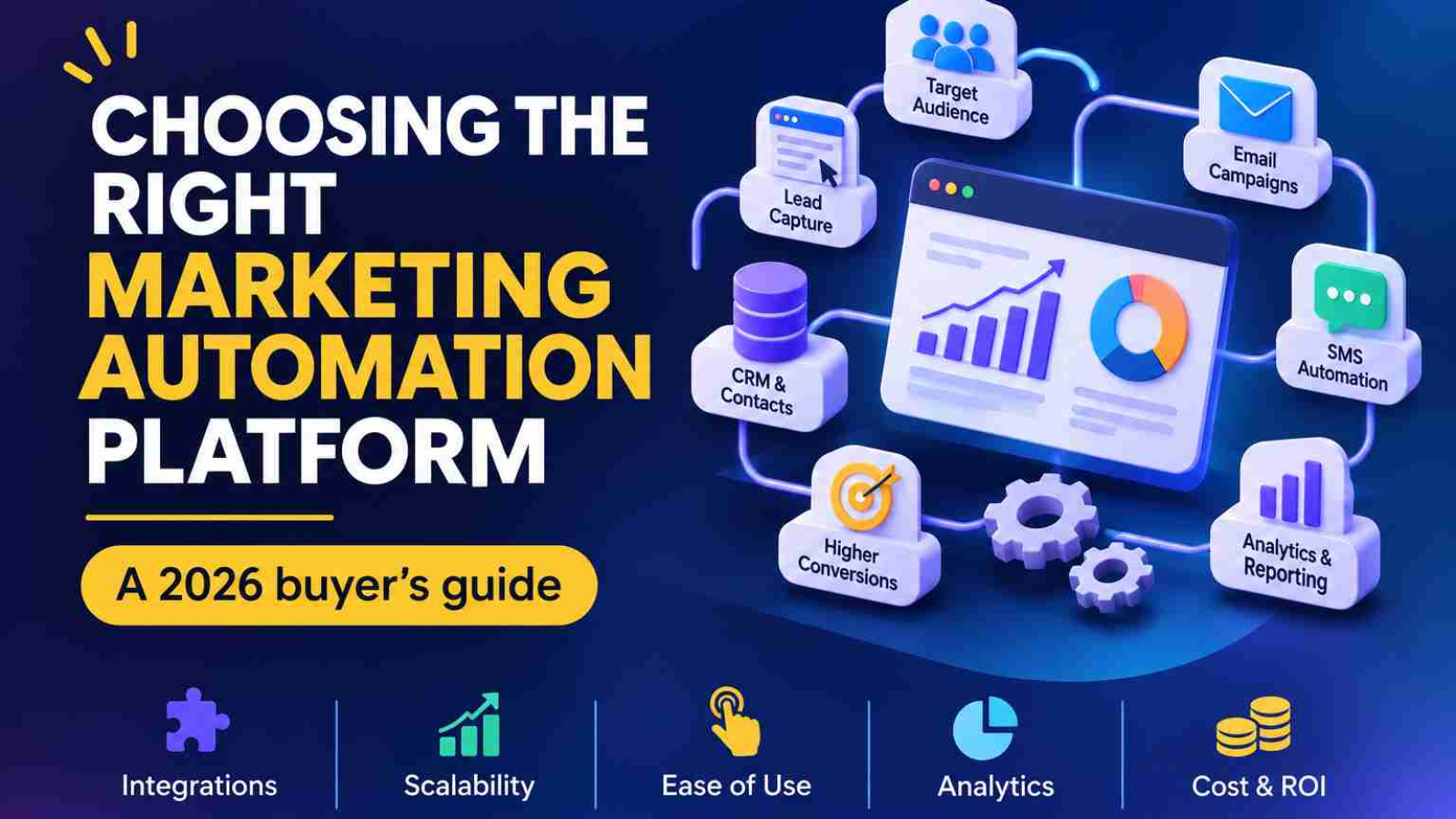
Most teams don’t pick a marketing automation SaaS tool because it’s the best on paper. They pick it because a colleague used it at their last job, or because the demo looked slick. Six months later they’re paying for features nobody uses, while the one workflow they actually needed sits behind a higher pricing tier. This guide helps you avoid that. We’ll look at what to compare, how the popular platforms differ, and a simple process for choosing the right one in 2026.
What Marketing Automation SaaS Actually Does
Marketing automation SaaS is cloud-based software that runs repeatable marketing tasks for you: sending emails based on behavior, scoring leads, syncing data with your CRM, and triggering messages across email, SMS and push. You pay a subscription, usually tied to contacts or feature tier, and the vendor handles hosting and updates.
The value isn’t the sending. It’s the follow-up. When someone starts a trial, downloads a guide or abandons a cart, the platform responds in minutes instead of days. If you want the business case in detail, read our post on marketing automation benefits. For the general concept, there’s a solid overview of marketing automation on Wikipedia.
Five Factors That Should Drive Your Decision
1. CRM fit
If your sales team lives in Salesforce, a platform with a native connection saves you from fragile syncs. Several comparisons note that Salesforce-native tools pay off most when the wider Salesforce stack is already in use. If you run HubSpot CRM, the choice is often just as clear.
2. Growth motion
Product-led and sales-led companies need different things from the same category of tool. More on that below.
3. Channels
Email-only needs are simple. If you also want SMS, push notifications or ad retargeting, check that those channels are built in and not sold as add-ons.
4. Data and event tracking
The platform is only as smart as the data you feed it. Check how it ingests website behavior, product events and purchase history.
5. Team skill and time to value
A powerful platform that takes nine months to configure is worse than a simpler one you can use next week. Be honest about who will build and maintain the workflows.
Popular Platforms at a Glance
Platform | Best for | Watch out for |
|---|---|---|
HubSpot Marketing Hub | Teams that want CRM and marketing in one place | Cost climbs with contacts and higher tiers |
Klaviyo | Ecommerce brands | Less suited to complex B2B lead scoring |
Customer.io | Product-led SaaS with event-based messaging | Needs developer help to get the most from it |
Adobe Marketo Engage | Enterprise personalization and deep analytics | Heavier setup and admin overhead |
Salesforce Account Engagement (Pardot) | B2B teams already on Salesforce | Value drops if you aren’t in the Salesforce ecosystem |
ActiveCampaign | Small and mid-size teams wanting automation depth | Reporting is lighter than enterprise suites |
Mailchimp | Simple email automation on a small budget | You may outgrow it as workflows get complex |
How Your Growth Motion Changes the Answer
Product-led teams care about in-app behavior. A user hits a usage milestone, skips onboarding or invites a teammate, and the platform should react. Developer-friendly, event-based tools are built for this style of messaging.
Sales-led teams care about lead quality and handoff. They need scoring, routing and clear attribution from campaign to pipeline. Here HubSpot, Marketo or a Salesforce-native tool usually fits better.
Many SaaS companies run both motions, which is why event data and CRM sync both matter. If you can’t connect product events to your marketing platform, you end up guessing which users to nurture and which to leave alone.
Pricing: What to Check Before You Sign
Pricing pages change often, so treat any number you read in a blog post as directional and confirm it on the vendor’s site. Here’s what to look at:
- Contact-based billing: what happens to your bill when your list doubles?
- Feature gates: are scoring, A/B testing, SMS or custom objects locked to higher tiers?
- Seats: do extra marketers or sales users cost more?
- Onboarding fees: some vendors charge for setup, and some require it.
- Contract terms: annual commitments are common, so ask about exit terms.
Ask each vendor to quote your numbers at your current contact count and at double that. The gap tells you more than the starting price does.
A 5-Step Selection Process
- Write down three workflows you need in the first 90 days. Welcome series, lead scoring and handoff, trial-to-paid nurture, for example.
- List your must-have integrations. CRM, billing, website, product database.
- Shortlist three platforms. More than three makes comparison a part-time job.
- Run a trial with real data. Build one of your three workflows in each tool.
- Score and decide. Rate each on fit, ease, cost at scale and support quality.
Mistakes to Avoid
- Choosing on feature count instead of the workflows you will really build.
- Ignoring data quality. Messy contact data makes any platform look bad.
- Buying an enterprise suite for a team of two.
- Skipping a plan for who owns the tool after launch.
If you’re also deciding how your customer data should flow into these tools, our guide to Segment CDP explains one common approach.
Key Takeaways
- Pick marketing automation SaaS based on CRM fit and growth motion first, features second.
- Always compare cost at your current list size and at double.
- Trial with real data and build one real workflow in each shortlisted tool.
- A simpler platform your team actually uses beats a complex one it doesn’t.
Need help choosing or setting up a platform? Explore our digital marketing services or get in touch.
FREQUENTLY ASKED QUESTIONS
It’s subscription-based software hosted in the cloud that automates tasks like behavior-triggered emails, lead scoring and CRM syncing.
It depends on your CRM and sales motion. HubSpot suits many mid-market teams, Salesforce-native tools suit Salesforce shops, and event-based tools suit product-led companies.
Pricing ranges from low monthly plans for small email lists to custom enterprise quotes. Get a quote at your current and future contact counts.
Timelines depend on platform complexity, data readiness and integrations. A simple tool can be live in days, while enterprise rollouts take longer.
Yes, as long as you start with a few high-value workflows instead of trying to automate everything at once.
Add a Comment